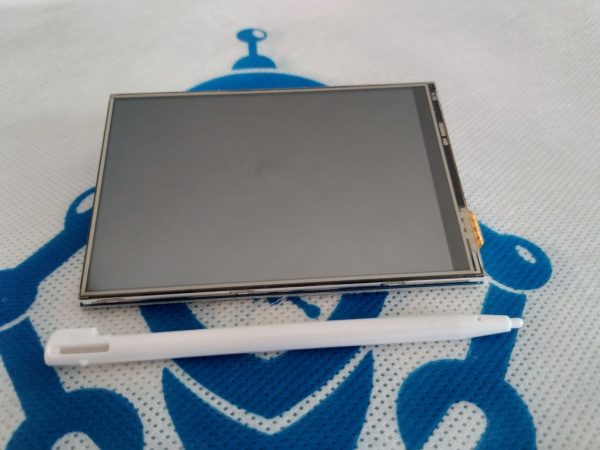
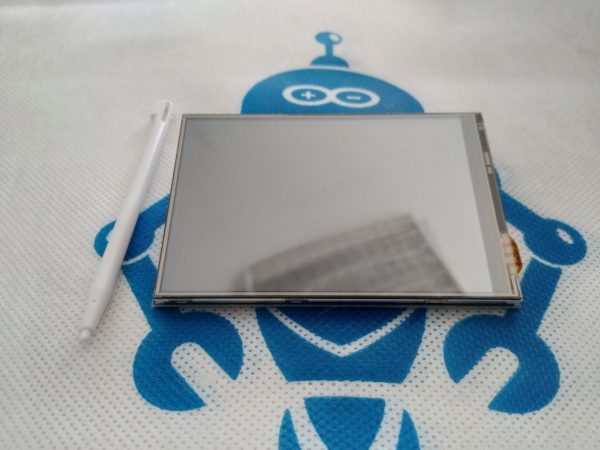
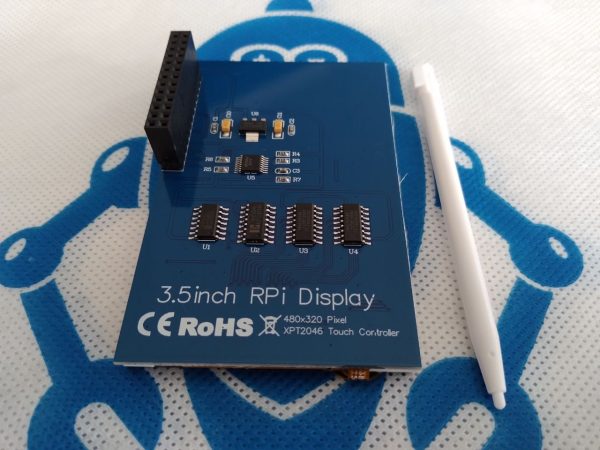
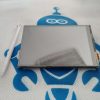
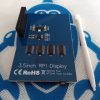
This small 3.5 inch touch screen Raspberry Pi Display module is designed especially for Raspberry Pi, using the latest Linux Core system.
This is ideal for DIY anywhere, anytime and does not require any separate power source or case to hold it. The module sits right on top of Pi and an ideal alternative solution for HDMI monitors.
Hardware Setup: Power off your Raspberry Pi and carefully attach the screen directly to the 40-pin GPIO header, ensuring the pins align.
Driver Installation: Boot up the Pi and install the display-specific drivers (often provided via GitHub repositories or manufacturer wikis like Waveshare).
Configuration: Access the terminal and edit your configuration files (e.g., using sudo nano /boot/config.txt) to activate the overlay and rotate the screen if necessary.