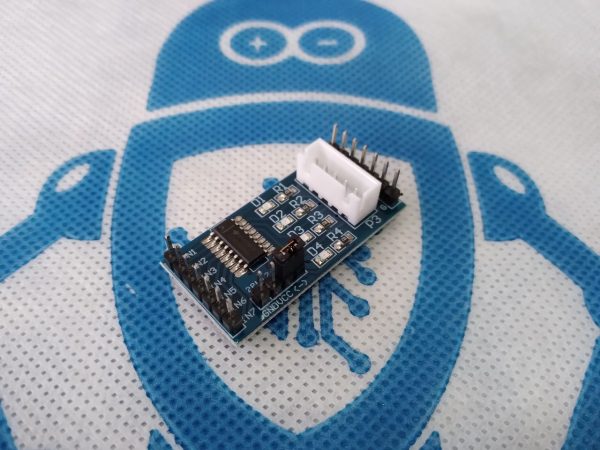
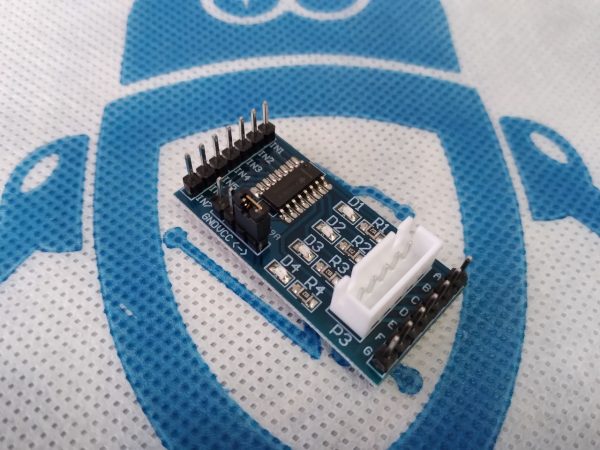
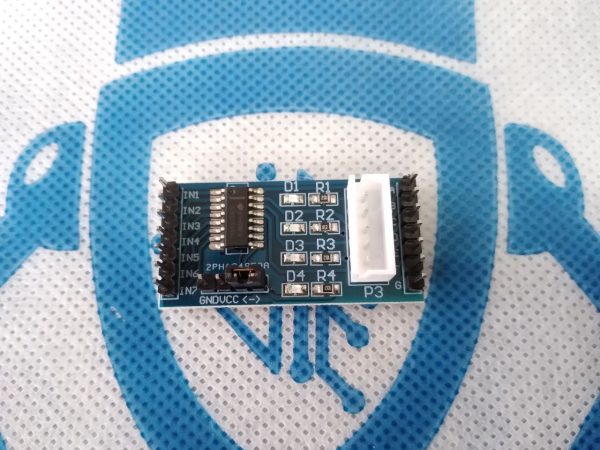
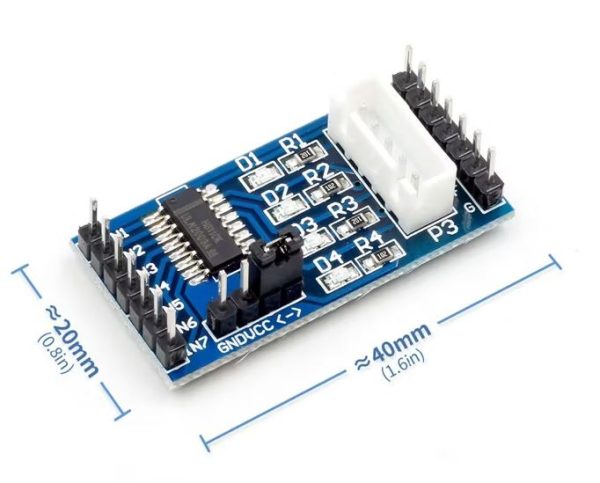
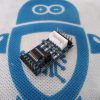
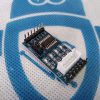
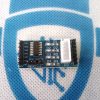
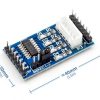
This ULN2003 Stepper Motor Driver Board is a breakout board made to work with Arduino to power small stepper motors like the 28BYJ-48, and operates on a relatively low 5 to 12V DC at 1A.
It is controlled via 4 pins and can connect directly to the 3, 4, 5 and 6 pins on a board like the Arduino UNO.
This breakout board has four step indicator LED’s to indicate which coil is being powered, and an onboard on/off jumper to quickly set the board to on or off status before plugging in the power.
This breakout board typically draws more current than a standard Arduino can supply, so if you are using this board in conjunction with an Arduino Board, be sure to use a separate power supply at 1A. This will ensure that this board doesn’t damage the Arduino or other components, and that the stepper motor will be able to draw more than enough power to work at optimal order.
This basic 5 – 12V ULN2003 Stepper Motor Driver Breakout Board is designed to be used with Arduino Boards, to drive stepper motors like the 28BYJ-48.
There’s another important reason to use the ULN2003: Stepper motors are inductive loads, which means they can generate high-voltage spikes, known as back EMF (electromotive force), especially when switching. These spikes can damage your microcontroller or other components. Fortunately, the ULN2003 chip has built-in flyback diodes (also called freewheeling diodes), which safely absorb these voltage spikes and help protect your circuit.
The ULN2003 driver board has four control inputs (IN1 to IN4) that receive signals from the Arduino and a power supply connection. It also includes a JST connector that matches the 5-wire connector of the 28BYJ-48 motor. This lets you easily plug the motor into the board without the need for extra wiring. In addition, the board features four LEDs that indicate coil activity, providing clear visual feedback as the motor steps. There is also an ON/OFF jumper on the board, which lets you disable the motor without having to disconnect any wires.
Pin Configuration
IN1, IN2, IN3 and IN4 are the control inputs used to send the step sequence to the motor. You connect them to the Arduino’s digital output pins.
GND is the ground pin
VCC supplies power to the motor. Keep in mind that the motor draws a lot of current, so it’s best to use a separate 5V power source rather than drawing power from the Arduino itself.
Motor Connector is where the motor plugs into the board. This connector is “keyed”, meaning it can only be inserted one way, which helps prevent wiring mistakes.